


Give each scientific story a clear place.
How to plan a life-sciences website around audiences, services, applications, and evidence, with a structure your team can maintain.
Discuss your projectPlanning your website
Map the audience questions before naming pages.
Start with the people who need to use the site: a researcher evaluating a service, a partner exploring a capability, or a buyer comparing an approach. Write down what each needs to understand and the next step available to them. Those questions are a stronger starting point than copying the company organisation chart.
Separate services, products, and applications.
A service page explains work a customer can commission. A product page explains what a product does. An application page connects a capability to a particular task or context. These pages can link to one another without repeating the same introduction everywhere. Create a separate page when there is enough specific material to answer a distinct question.
- Service: what the team does and what a project involves.
- Product: capabilities, relevant workflows, and supporting resources.
- Application: the context, the need, and the relevant service or product.
Use project examples to test the structure.
TrueCourse is a useful reference for presenting specialist bioscience services and connected workflows. Virscidian provides a different example: scientific software organised around products and applications. Use those distinctions when planning your own navigation. The right structure depends on what your business offers, rather than a fixed list of pages for every scientific company.
Keep evidence close to the claim it supports.
Decide where approved publications, technical documents, diagrams, and methodology belong. An overview can introduce the subject and lead to the detail, while a resource entry can include enough context to help a visitor decide whether to open it. Your scientific reviewers should confirm the wording and source material before publication.
Test the sitemap with real content.
Take one service or product and fill out the proposed structure before creating the full site. Check whether the page answers the audience’s questions, whether its links are useful, and whether your team can maintain it. Assign an owner to recurring content such as resources and company updates. Missing material should become a content task, not an empty page.
Selected projects
Related website work.
These projects illustrate different content structures. The credits below state our exact role in each collaboration.
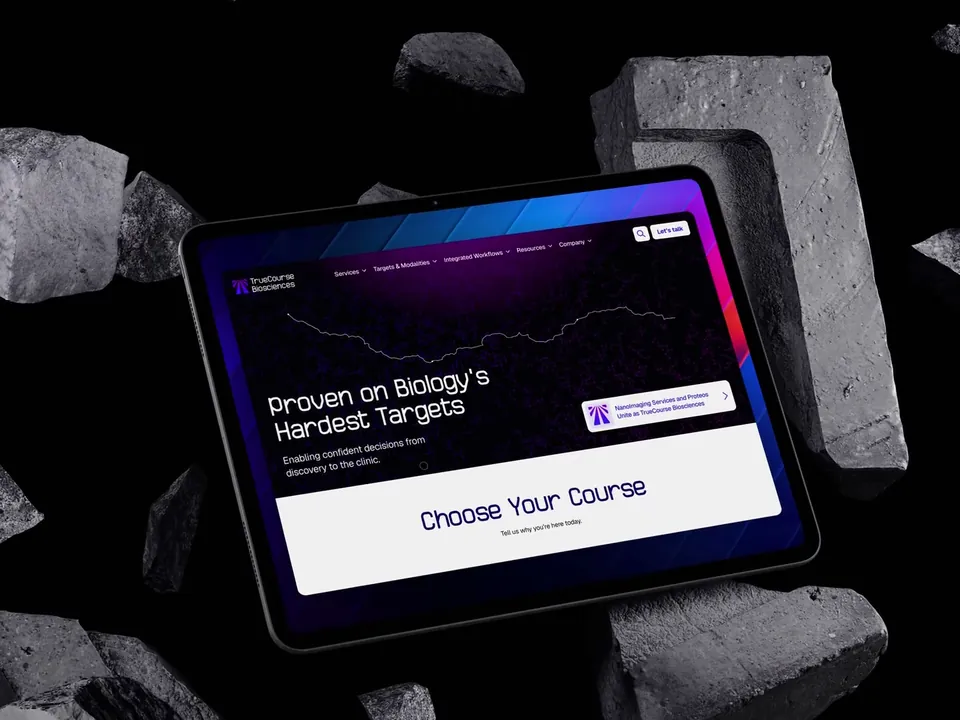
TrueCourse Biosciences
Website design and Webflow development that help researchers explore TrueCourse’s bioscience services and integrated workflows.
Our contribution: Contributed to design and Webflow development.
In collaboration with Scaler Marketing
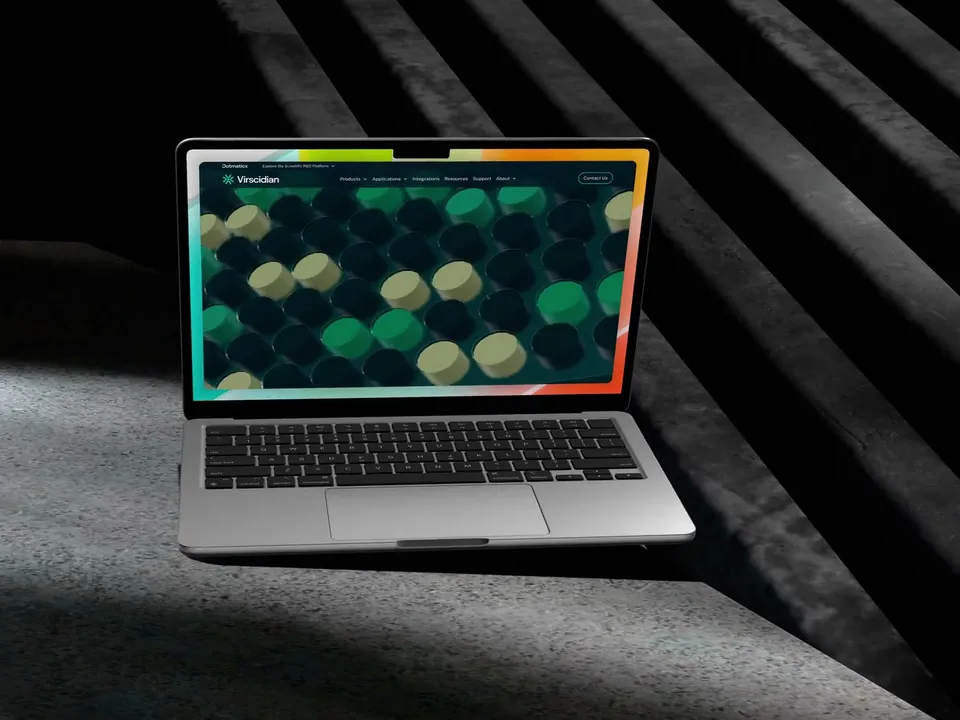
Virscidian
Website design and Webflow development that make Virscidian’s scientific software easier to understand and explore.
Our contribution: Full website design and Webflow development.
In collaboration with Scaler Marketing
Only when it needs a genuinely different set of information or journey. Shared product and service pages can support several audiences without duplicating the content.
The page count follows the offer and the content. Start with the questions that need complete answers, then combine or separate pages based on how people will use them.
A useful next step
Explore further.
Industries
Life Sciences Website Design
Website design and development for life sciences companies. Turn specialist services, technology, and research into a clear path to an enquiry.
Explore the pageIndustries
Scientific Software Website Design
Website design and development for scientific software companies. Help visitors connect product capabilities with their research tasks and laboratory workflows.
Explore the pageIndustries
MedTech Website Design
Website design and development for medical technology companies. Connect the product, its intended applications, and approved supporting material in a clear website.
Explore the pageInsights
Website CMS Planning Guide
How to plan a website CMS: content types, fields, relationships, editing responsibilities, and the examples to test before development.
Read the guide